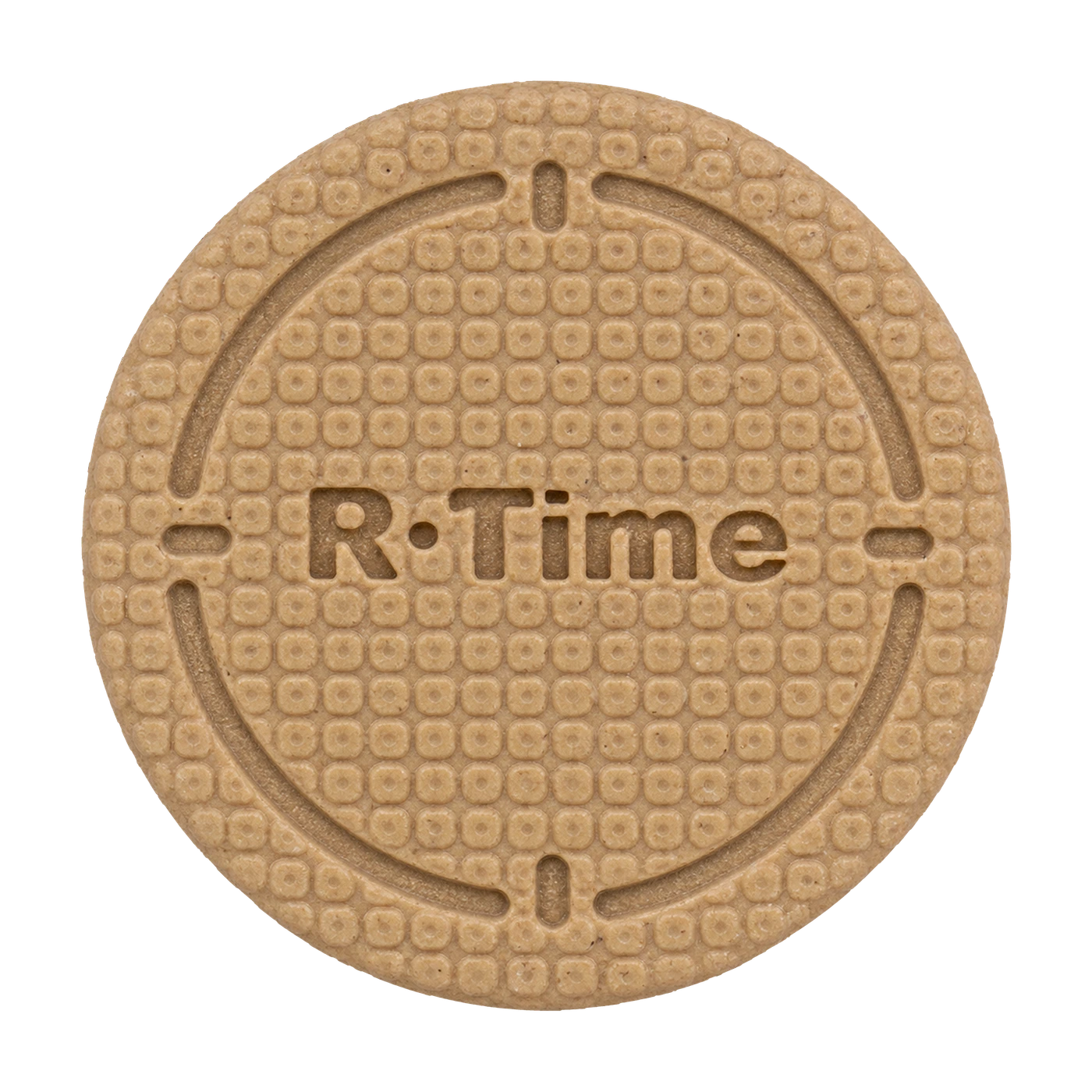
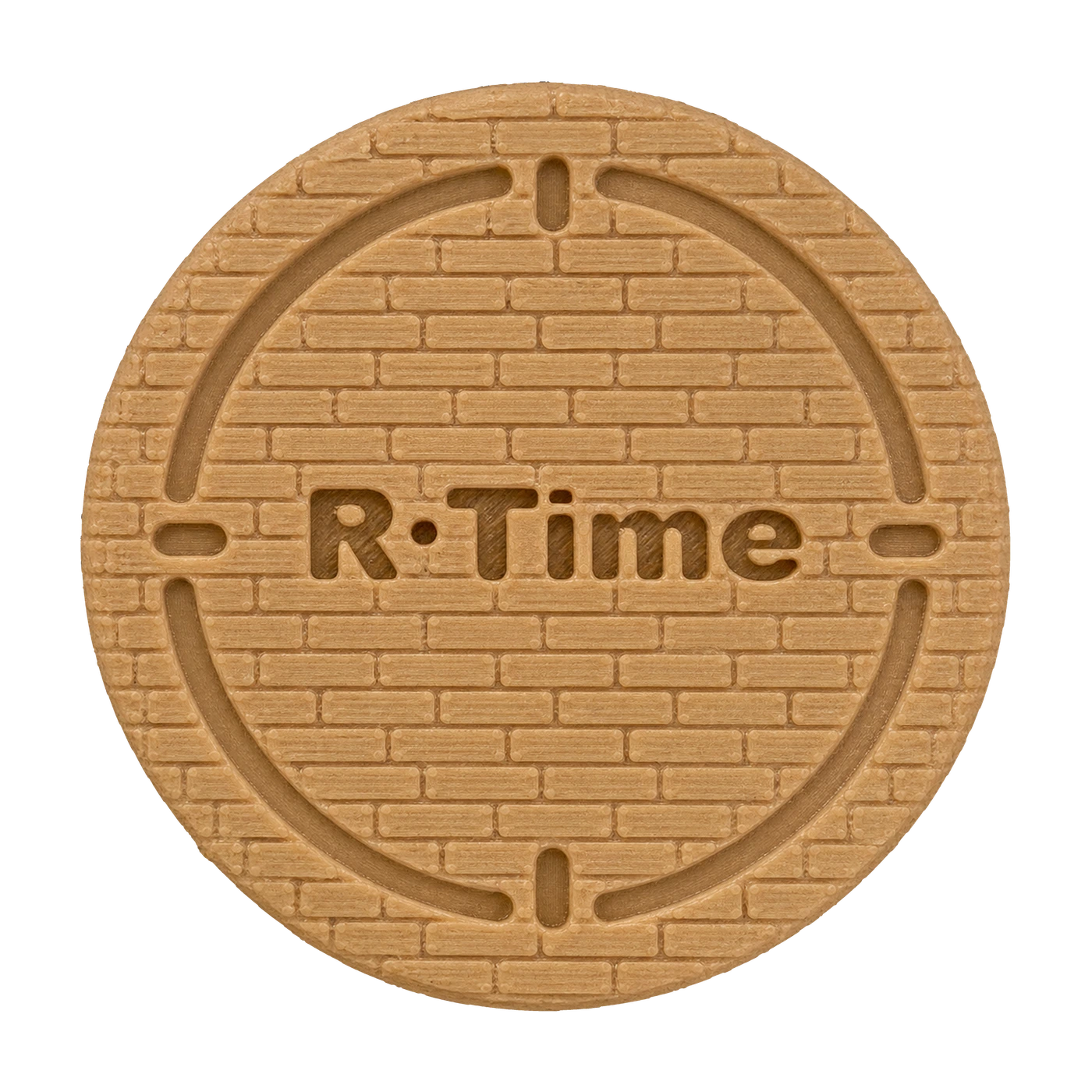
No battery
Passive NFC. No charging.
Tap & Go
A passive NFC object, 3D printed one by one. Tap it, leave it behind and let your phone get out of the way.
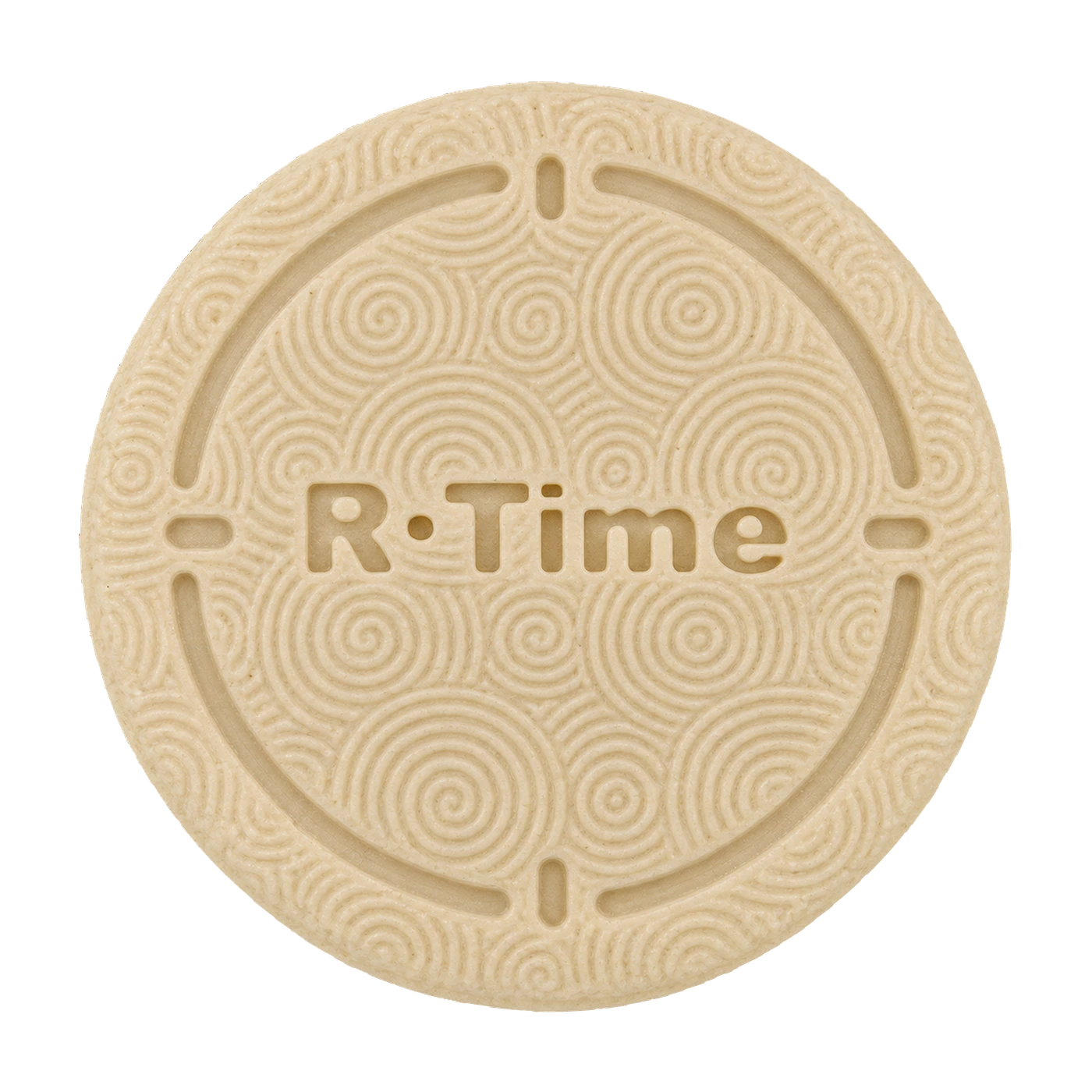
Three textures. Two colours. Your way to switch off.
YOUR R·TIME
Free shipping · App subscription sold separately
Your selection is ready. Join the list for launch updates.
Notify me at launch ↗Passive NFC. No charging.
Made one by one, with subtle variations that make every piece unique.
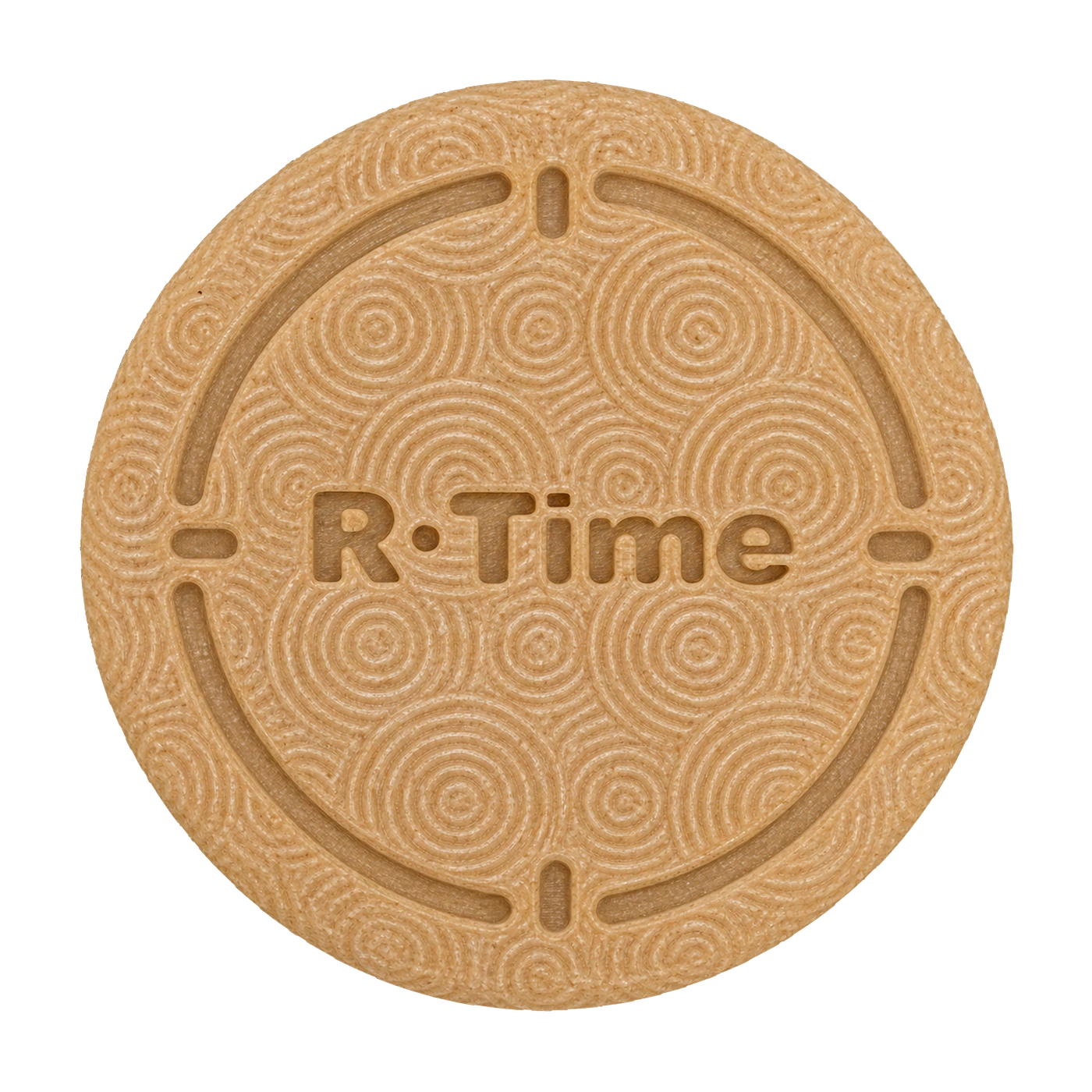
Spirals, Squares or Bricks. Each in Beige or Wood.
Tap in. Leave it behind. Return to tap out when the mode requires it.
Choose your texture
Explore the three textures. Each R·Time is 3D printed individually, with small variations in texture and colour.
Flowing, concentric lines.
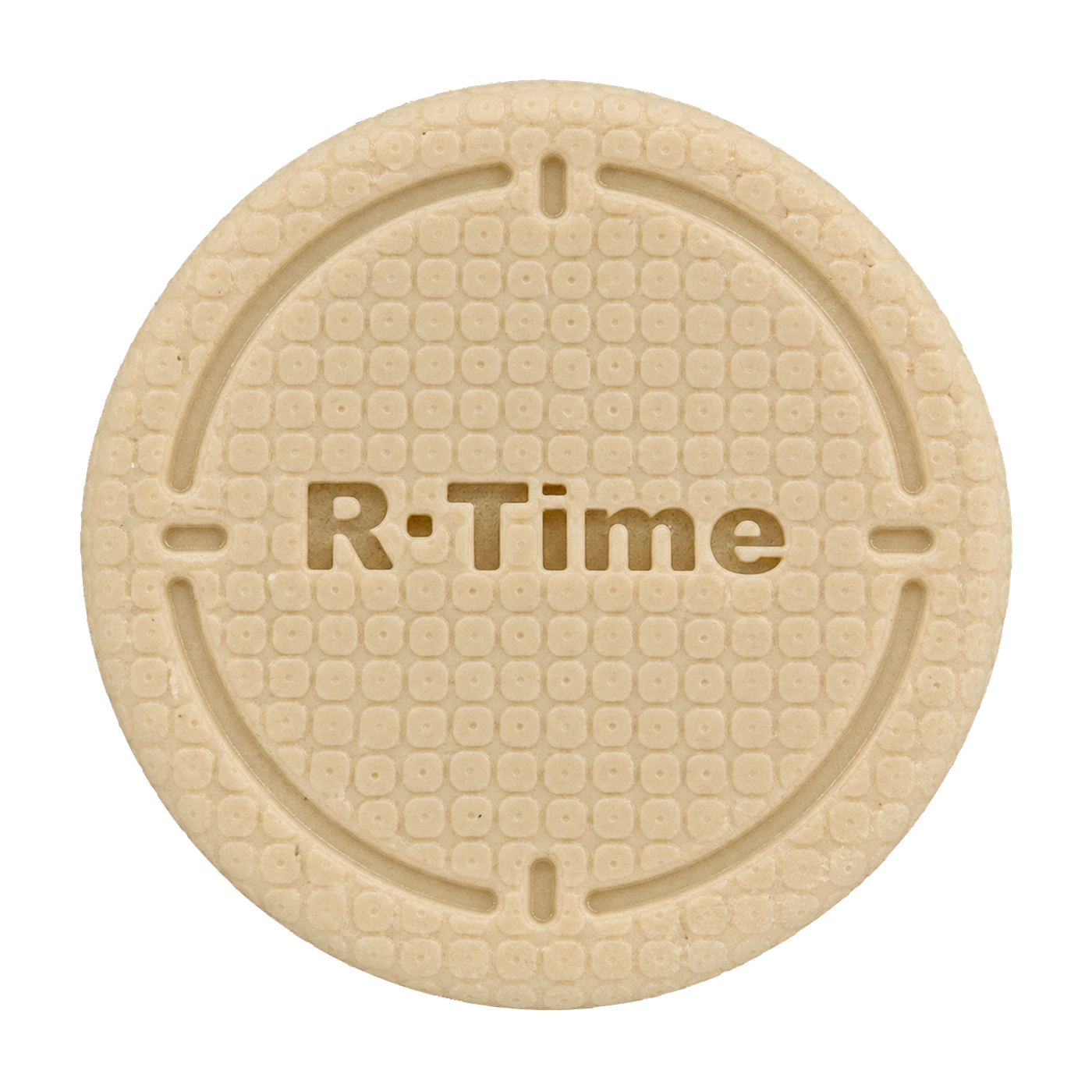
A pattern of small rounded squares.
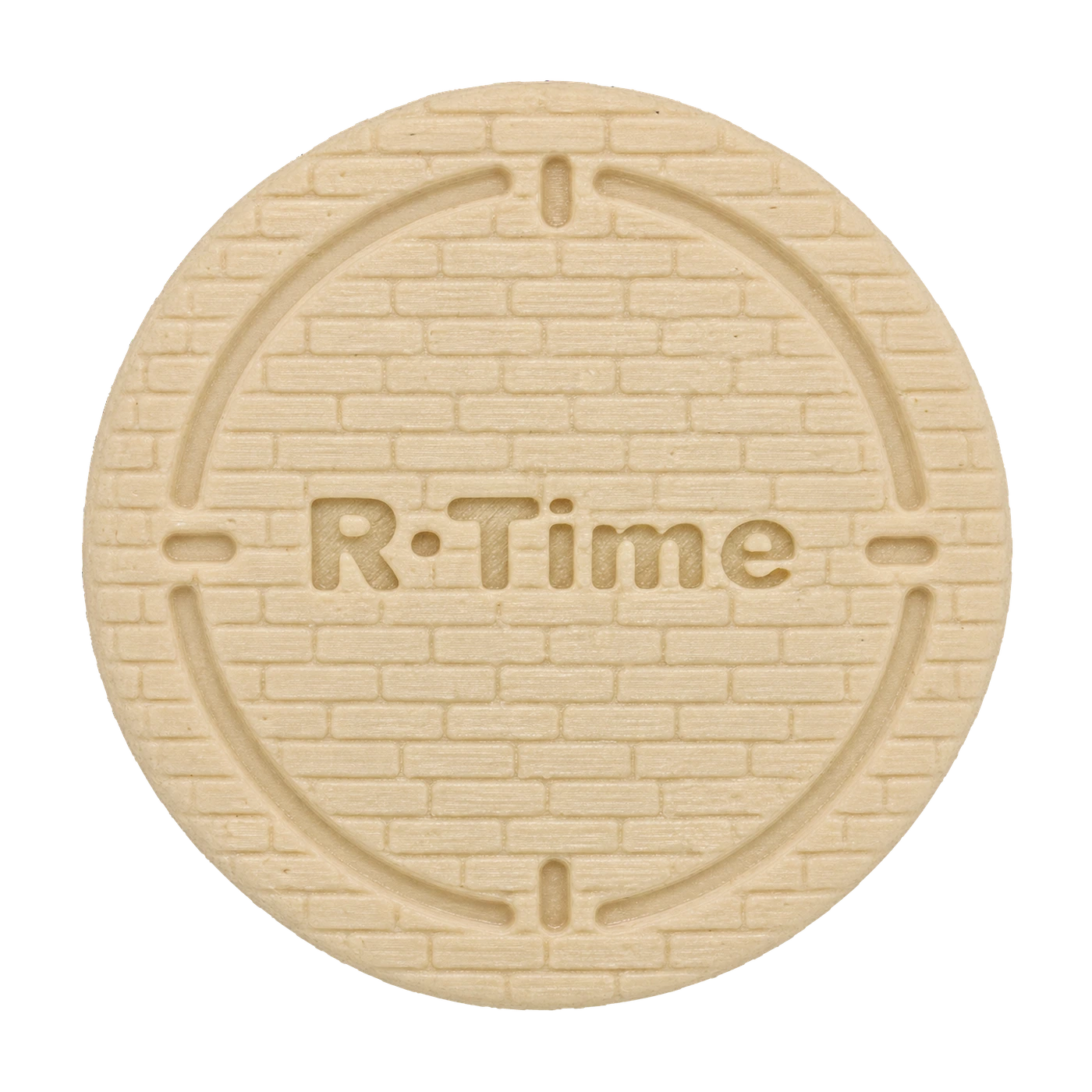
A texture of staggered horizontal lines.
What’s included
Final packaging contents and compatibility details must be confirmed before launch.
Compatibility
Questions
A physical NFC tag and a mobile app that blocks the apps you select. Four personal modes help you protect your time.
Yes. Personal blocking is implemented in the iPhone and Android test versions. Public App Store and Google Play releases are still pending.
No. It uses passive NFC and has no battery.
R·Time configures a compatible blank tag on first use. A regular session must finish with the same physical tag that started it.
Choose a duration or an end time. Starts without a tag and finishes automatically at the deadline. No early finish, even with the tag.
Choose apps, weekdays and a start time. Blocking starts automatically; scan a tag to finish.
Set a shared daily budget for your selected apps and choose the weekdays. Usage resets at midnight. Once the budget runs out, scan a tag to add 5, 10 or 20 minutes.